Launch Your Dealer Website in One Day
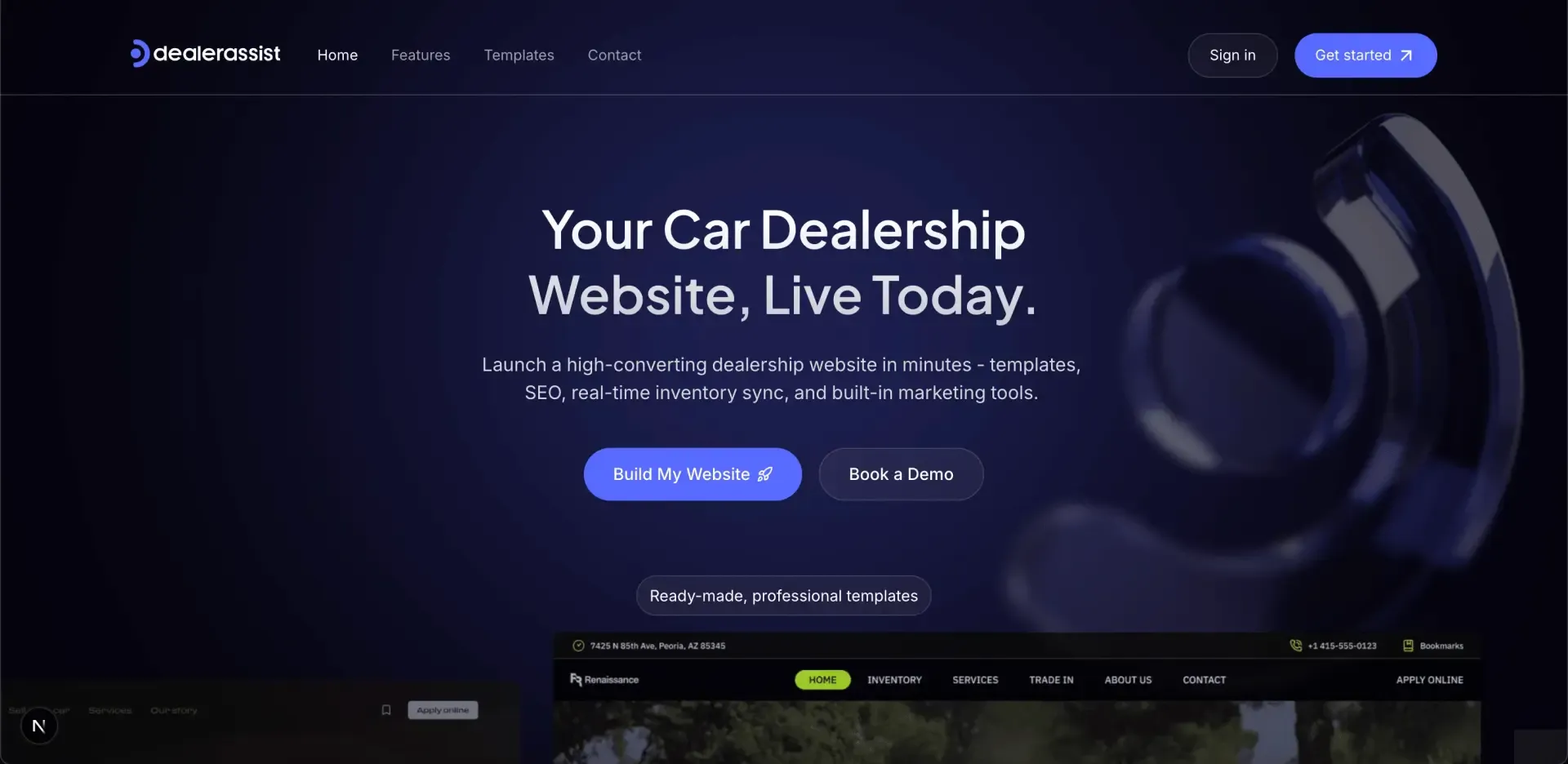
Launch your dealer website in a single day with DealerAssist. Add your logo, choose a design, connect inventory, and go live fast with built-in lead forms and SEO tracking.

DealerAssist Team
November 12, 2025
The Fastest Way to Launch a Dealer Website (And What to Avoid)
Most dealers know the pain of waiting weeks for a new website. Developers, sync issues, and endless “final touches” keep the site from ever going live. DealerAssist was built to skip that mess. You can have a working, lead-ready site online quickly.
What fast really looks like
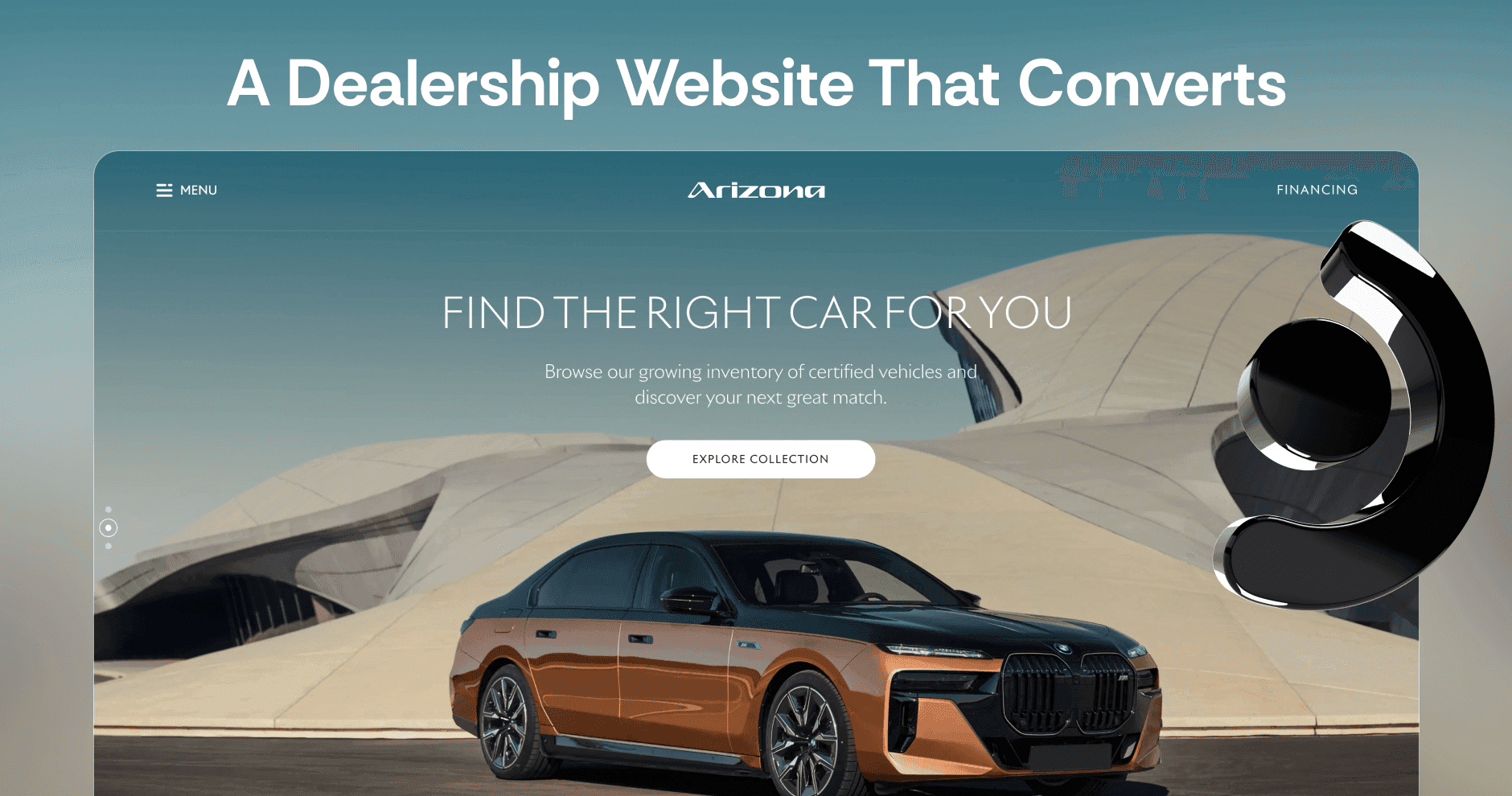
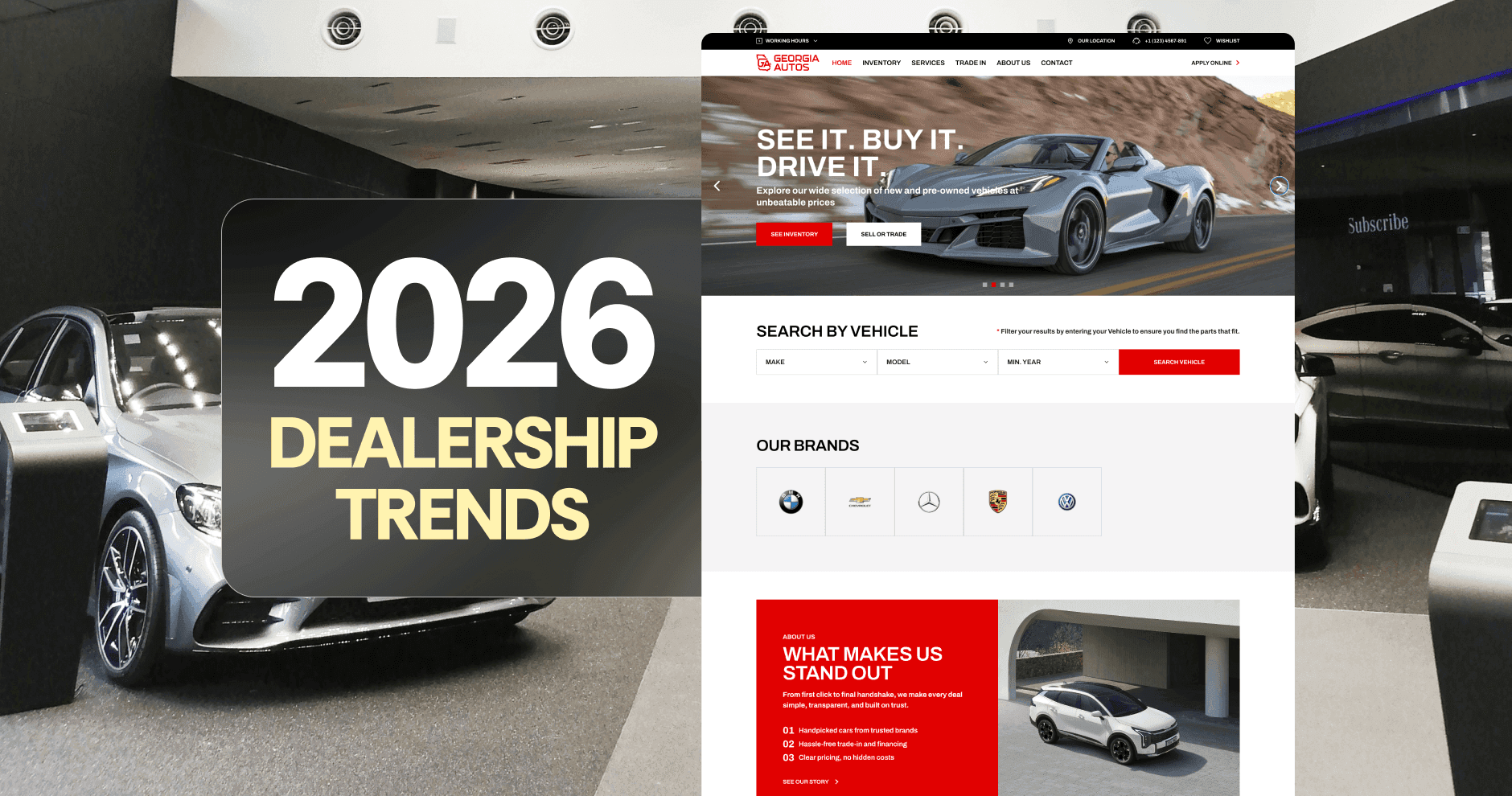
You start by adding your logo and dealership info, then choose from five templates designed for real dealerships. Each layout already includes lead forms, inventory sections, and mobile optimization, so you don’t start from a blank page.
We get your inventory directly from your dealership but for more accuracy, we recommend connecting your DMS. Then, open the Editor to adjust headlines, swap images, and set your main calls to action. Hit Publish, and your site is live. Everything from forms to tracking is ready on day one.
What slows dealers down
Speed doesn’t come from cutting corners. It comes from knowing what to avoid. Many dealers lose time over-customizing before they even launch. Others wait on a developer to change things they could easily edit themselves. Some forget to test lead forms or connect analytics until after the site’s live, which means losing data from the start. The fastest path is to launch first, then fine-tune. DealerAssist makes that possible.
What’s already handled for you
DealerAssist templates are built with the essentials baked in. Clean inventory grids, active lead forms, and SEO fields that are ready for GTM, GA4, or Meta Pixel. The dashboard keeps your key data in one view: total leads, inventory visits, and listings count. You can see what’s working and act on it right away.
If you’re syncing inventory through your DMS, updates flow automatically.
Getting live is easier than it sounds
Here’s a simple rhythm that works for most dealers:
- Choose a template that fits your brand
- Add your logo, hours, and contact info
- We grab your inventory so you only have to confirm your listings
- Update your homepage text and two CTAs
- Publish
That’s it. From there, you can refine images, add a seasonal promo banner, or test which calls to action drive the most leads.
Keep it simple after launch
Once you’re live, use the Analytics dashboard to spot top-performing vehicles and follow up on leads from the built-in Leads view. Update banners monthly, refresh descriptions as needed, and check your tracking setup whenever you make major edits.
You don’t need to rebuild your site to improve it, just use the tools already built into DealerAssist.
Ready when you are
You don’t need weeks of setup to get results. With DealerAssist, your dealership website can be live, working, and collecting leads by the end of the day. Launch now, improve continuously, and keep selling while other dealers are still waiting for their sites to finish loading.